> For the complete documentation index, see [llms.txt](https://learn.mechanic.dev/llms.txt). Markdown versions of documentation pages are available by appending `.md` to page URLs; this page is available as [Markdown](https://learn.mechanic.dev/resources/converting-tasks-from-shopify-rest-to-graphql/conversion-resource-lookups-in-task-option-fields.md).
# Conversion: Resource lookups in task option fields
An oft utilized feature of Mechanic is the ability to add Liquid tags into task options fields, such as a configurable email body. Additionally, these Liquid tags (currently) support inline resource lookups for data not available in the event webhook. However, for products and variants this no longer works as of the [Feb 1, 2025 REST deprecation](/platform/liquid/objects/shopify.md).
{% code title="REST - product resource lookup from line item" %}
```liquid
{%- assign qualifying_product = nil -%}
{%- for line_item in order.line_items -%}
{%- if line_item.product.product_type == "Special" -%}
{% assign qualifying_product = line_item.product -%}
{%- break -%}
{%- endif -%}
{%- endfor -%}
{%- if qualifying_product != blank -%}
Special product notice for {{ qualifying_product.title }}...
{%- endif -%}
```
{% endcode %}
The code above could be utilized directly in a [multiline task option field](/core/tasks/options.md#3-flags), and it would output a string of text (e.g. "Special product notice for Widget - Red...") into the assigned option field variable.
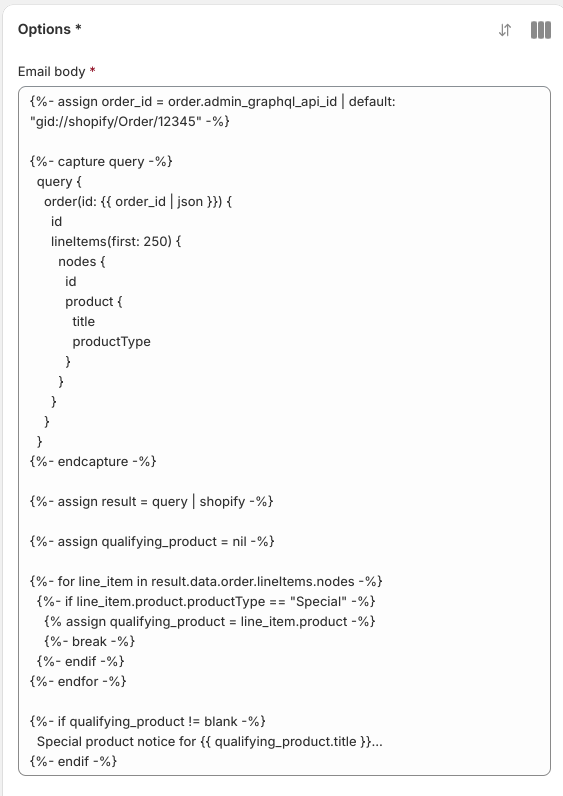
One method of conversion for lookup fields is to utilize a GraphQL query *directly in the option field*, which naturally has some caveats.
{% code title="GraphQL - order query with line item products" lineNumbers="true" %}
```liquid
{%- assign order_id = order.admin_graphql_api_id | default: "gid://shopify/Order/12345" -%}
{%- capture query -%}
query {
order(id: {{ order_id | json }}) {
id
lineItems(first: 250) {
nodes {
id
product {
title
productType
}
}
}
}
}
{%- endcapture -%}
{%- assign result = query | shopify -%}
{%- assign qualifying_product = nil -%}
{%- for line_item in result.data.order.lineItems.nodes -%}
{%- if line_item.product.productType == "Special" -%}
{% assign qualifying_product = line_item.product -%}
{%- break -%}
{%- endif -%}
{%- endfor -%}
{%- if qualifying_product != blank -%}
Special product notice for {{ qualifying_product.title }}...
{%- endif -%}
```
{% endcode %}
{% hint style="warning" %}
Event preview blocks are not evaluated in task option fields. Instead, default values should be assigned to any webhook fields utilized by the query (e.g. *product.admin\_graphql\_api\_id*). This will keep the task parser happy and allow you to save the task. Be careful though to not assign a default value to a webhook field that can have a null or blank string as a valid value.
{% endhint %}
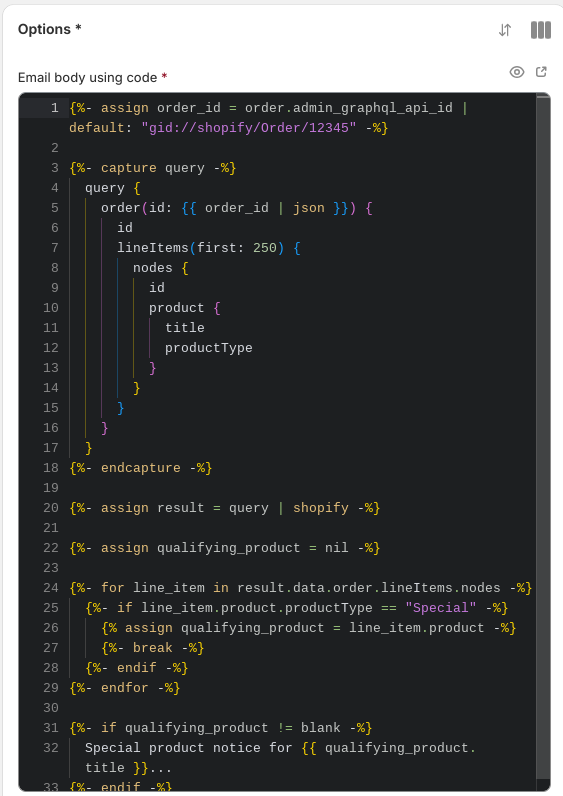
It can be helpful when using a GraphQL query in a task option field to add the code flag to the option field, which will add line numbers and give access to Mechanic code snippets.
```liquid
{% assign email_body = options.email_body__multiline_code_required | strip | newline_to_br %}
```
Email body task option
Email body task option using code flag
{% hint style="info" %}
The embedded GraphQL query will work without or without using the "code" flag.
{% endhint %}
---
# Agent Instructions
This documentation is published with GitBook. GitBook is the documentation platform designed so that both humans and AI agents can read, navigate, and reason over technical content effectively. Learn more at gitbook.com.
## Querying This Documentation
If you need additional information that is not directly available in this page, you can query the documentation by asking a question.
Perform an HTTP GET request on the following URL with the `ask` and `goal` query parameters:
```
GET https://learn.mechanic.dev/resources/converting-tasks-from-shopify-rest-to-graphql/conversion-resource-lookups-in-task-option-fields.md?ask=&goal=
```
`ask` is the immediate question: it should be specific, self-contained, and written in natural language.
`goal` is what the user is ultimately trying to achieve, the reason they need the answer. Sharing it helps GitBook give you a better, more relevant answer. A goal is most helpful when it describes the outcome the user wants rather than restating the question. For example, with `ask=how do I create an API token`, a goal like `automate deployments from our CI pipeline` lets GitBook tailor the answer to that use case.
The response will contain a direct answer to the question and relevant excerpts and sources from the documentation.
Use this mechanism when the answer is not explicitly present in the current page, you need clarification or additional context, or you want to retrieve related documentation sections.